

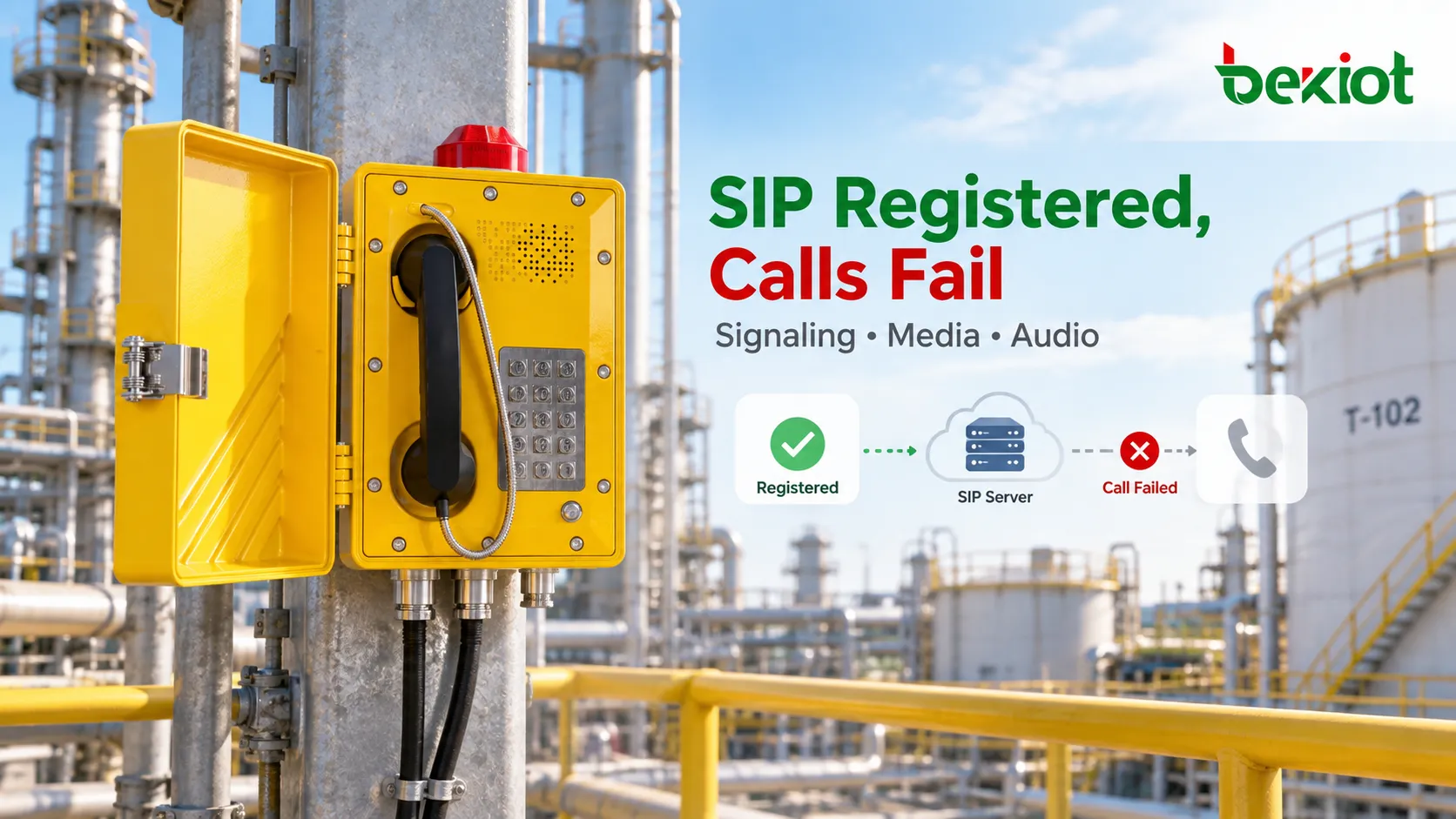
A SIP explosion-proof telephone can show Registered while calls fail to ring, connect without sound or drop after answer. Registration, call setup, media transport and the physical audio path are separate checks. Identify the first stage that fails before changing settings or replacing the telephone.
Begin with remote logs and an approved test call. Physical inspection in a hazardous area requires competent personnel, site permits, isolation and the equipment’s instructions. Do not open an energized enclosure or connect an ordinary laptop or test instrument in a hazardous area without the required controls. Network diagnosis does not establish explosion-protection integrity.
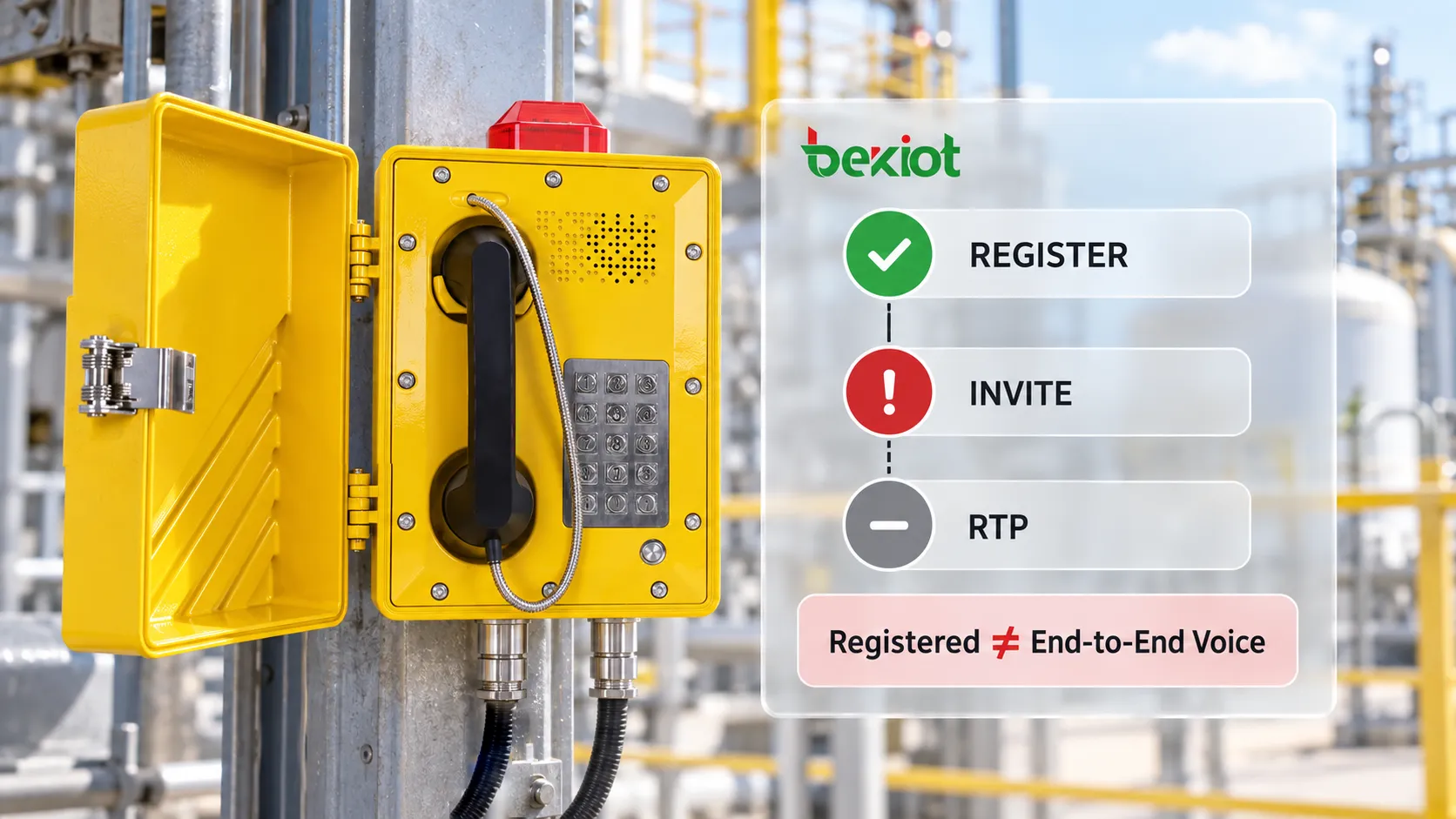
What registration proves, and what it leaves untested
A successful REGISTER transaction confirms a registrar’s acceptance of the registration request; inspect its Contact bindings and expiry to understand the result. Authentication is common, but 200 OK alone does not prove that authentication occurred. A displayed status may reflect an earlier refresh rather than present reachability.
A call still needs an INVITE to reach the correct destination, an acceptable session description and a working audio path. The endpoint’s Contact, the PBX’s routing, a gateway or SBC, and the media destination may involve different addresses and policies. An analog explosion-proof telephone connected through an FXS gateway must be diagnosed through that gateway; it is not itself a native SIP endpoint.
Classify the symptom before changing configuration
| Observed symptom | First evidence to collect |
|---|---|
| No ringing or an immediate error | The outgoing INVITE, destination, final response and PBX route. |
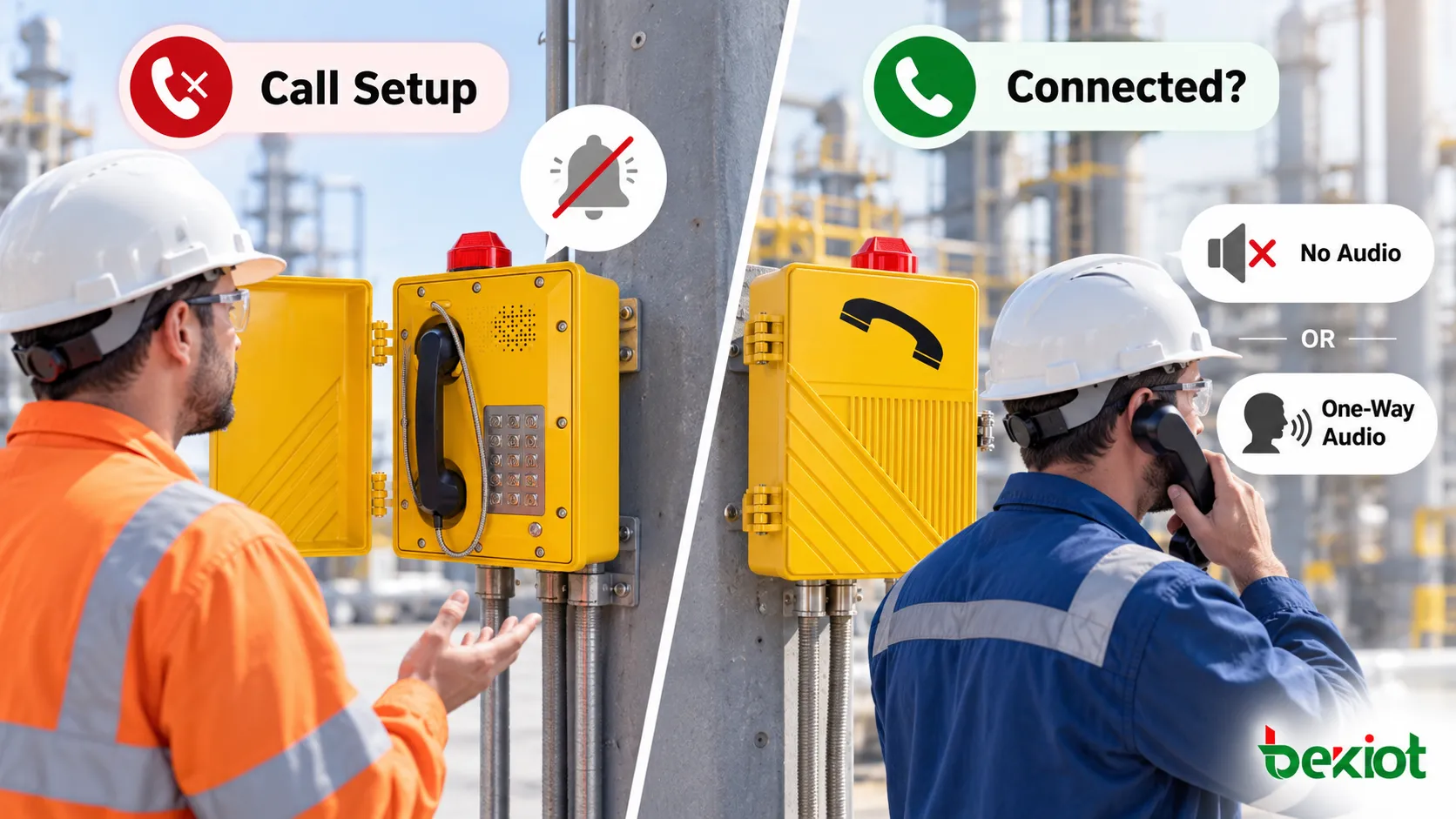
| Connected with no audio or one-way audio | SDP addresses and ports, then media arrival in each direction. |
| Call drops after answer | ACK delivery, who sends BYE, transaction timers and platform logs. |
| Broken or intermittent speech | RTP sequence gaps, jitter, link load and local audio behaviour. |
Record the time, calling and called numbers, direction, firmware, topology and recent changes. Check whether internal, external, dispatch and paging destinations fail in the same way. A route-specific failure is different from a fault affecting every call; preserve a failed trace before rebooting or editing the configuration.
Step 1: follow the signaling to the first failure
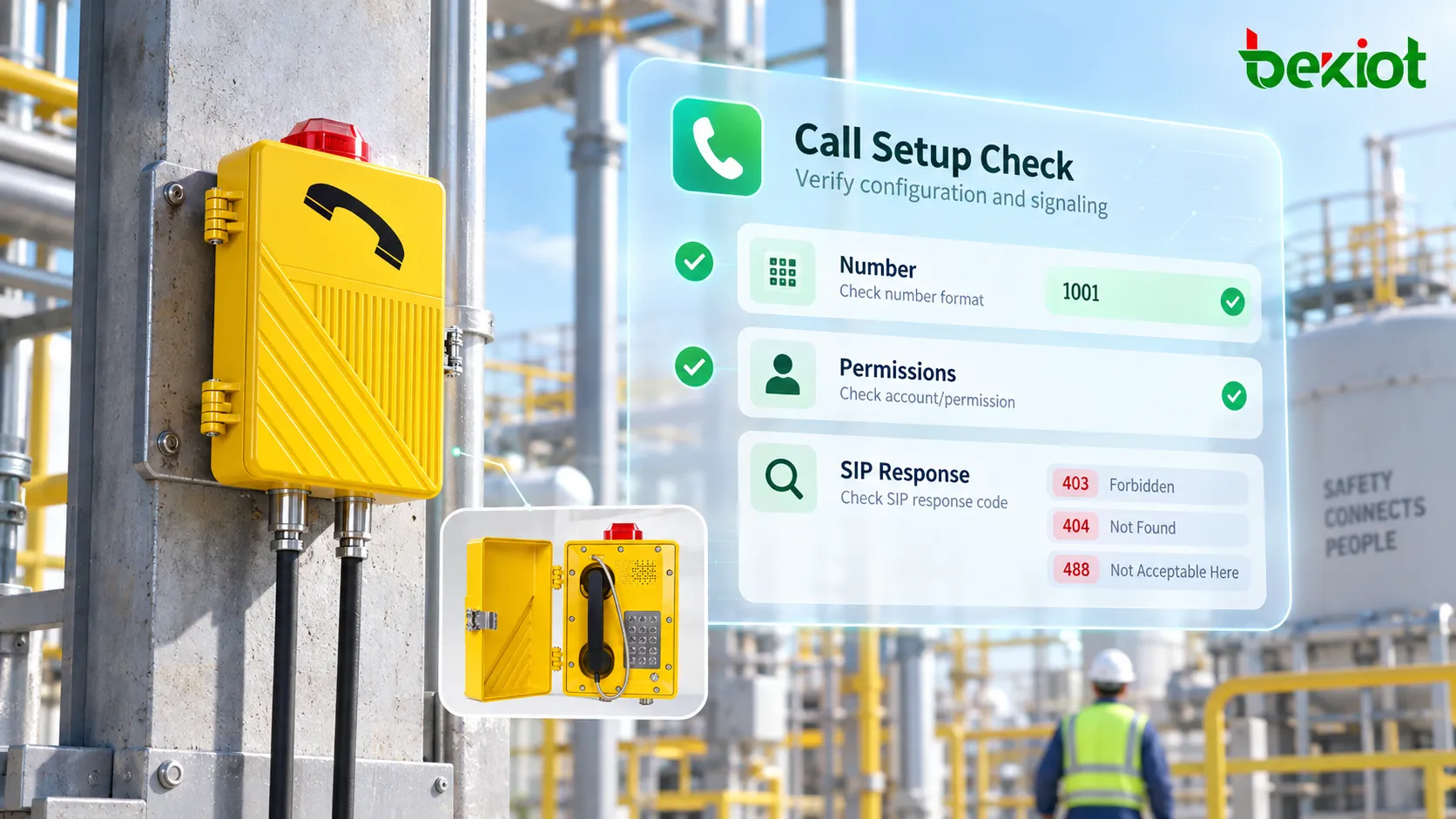
Verify the dialled number against the actual Request-URI and the PBX dial plan. Check prefixes, number translation, outbound permissions and the route to the intended extension or trunk. For inbound failures, verify the current registered Contact and whether the incoming INVITE reaches the telephone.
Treat response codes as evidence, not complete diagnoses. A first 401 or 407 may be a normal authentication challenge; investigate a loop or rejected authenticated retry. A 403 means refusal, 404 indicates the addressed user or domain was not found, 408 indicates timeout, and 480 indicates temporary unavailability. A 488 can reject session characteristics beyond a simple codec mismatch. Read the response details and the generating system’s logs.
If the PBX never receives the INVITE, compare DNS results, VLAN, gateway, transport, destination port and access rules. If it receives but does not forward the request, inspect platform routing and policy. For an answered INVITE, verify 200 OK and ACK on the relevant call legs; a connected display alone does not prove completion of every exchange.
SIP commonly uses port 5060, or 5061 with TLS, but deployments can use other ports. Check the configured transport and listeners rather than opening a presumed port range. With TLS, an ordinary network capture cannot expose the encrypted SIP payload; use authorized endpoint or server diagnostics.
Step 2: compare SDP with the actual media path
Inspect the negotiated SDP, including c=, m=, a=rtpmap and direction attributes such as a=sendrecv. Check session-level and media-level connection information, the accepted formats and any rejected or inactive stream. Offer/answer can occur in different SIP messages; do not assume the INVITE and 200 OK always contain the complete negotiation.
Verify that each advertised media address and port is reachable through the deployed topology. A private address is a problem when the peer cannot route to it, not merely because it is private. Compare packets at both sides of a firewall or NAT boundary to establish where one direction stops. Allow the configured media flows; there is no universal RTP port range for all telephones.
An SBC can anchor media when configured to do so. STUN, TURN and ICE have different roles and require compatible endpoint and platform support; none is a universal checkbox for fixing NAT. Inspect the design before changing SIP ALG or firewall behaviour, and preserve a rollback path.
Compare accepted payload types, codec parameters, packetization and any RTP/SRTP requirements on each leg. A gateway or PBX may transcode only when that function is supported and enabled. An SDP answer can accept several formats; it is inaccurate to assume that every answer selects exactly one codec. Do not infer supported codecs from the explosion-proof enclosure or from a different model.
If media stops after hold, transfer or a re-INVITE, compare the new SDP addresses, ports and direction with the original session. For timed disconnections, inspect the release message and logs before blaming a session timer or NAT timeout. RTP loss and jitter describe transport behaviour; neither proves that a microphone is producing usable speech.
Step 3: verify the local audio chain and required services
Once media reaches the correct endpoints, check mute, gain, handset, microphone, speaker and selected audio output using approved procedures. Bidirectional packets can carry silence or undecodable payloads. Compare a known-good call and endpoint without assuming that substitution proves a hardware defect; credentials, firmware, switch port and network settings may also differ.
Test handset, hands-free and external paging outputs separately where fitted. A working handset does not prove that an external amplifier, horn circuit or paging relay works. Dispatch location display, recording, priority and alarm linkage belong to the platform or integration unless the specific terminal explicitly implements them.
Use synchronized captures at suitable approved points: an endpoint diagnostic, mirrored switch port, PBX or SBC. Correlate SIP Call-ID and timestamps, while remembering that an SBC may create different call legs. Capture only the required traffic and protect logs and recordings. Encrypted SRTP cannot be listened to from an ordinary capture without authorized keying material and a suitable analysis method.
After one controlled change, repeat the failed route and both audio directions, then check affected paging or dispatch functions and recovery after any planned failover. Save the final settings, trace reference and result. For longer-term monitoring and configuration practices, see remote maintenance of explosion-proof paging telephones.
FAQs
Why do internal calls work while external calls fail?
External calls add trunk routing, permissions, number translation and upstream policy. Compare the successful internal path with the failed trunk call, including the return signaling and media legs, rather than assuming registration tests the trunk.
Should every no-audio fault be treated as a codec problem?
No. First establish the negotiated session and whether media reaches each endpoint. Routing, NAT, access rules, SRTP compatibility and local audio can all produce silence. A codec setting on a web page does not prove what the call negotiated.
Is rebooting a repair?
A reboot may restore a process or refresh a mapping, but it does not identify the cause. Preserve evidence first when practical, then verify a repeatable recovery. Record any service interruption and arrange the site’s alternate communication method during maintenance.
Technical references
Protocol basis: IETF RFC 3261, SIP and IETF RFC 3264, SDP offer/answer. Hazardous-area maintenance context: HSE guidance on electricity in potentially explosive atmospheres.