
Customer management is no longer only about storing names and phone numbers. For call centers, sales teams, service departments, and private-domain operations, the real challenge is how to understand each customer, manage every interaction, improve conversion, reduce churn, and build long-term relationships across both traditional and social channels.
CRM combines customer relationship strategy, processes and supporting software. Social CRM extends those practices into supported social channels. Their functions overlap, and results depend on data quality, integration and the way teams use the system.
From Customer Records to Customer Operations
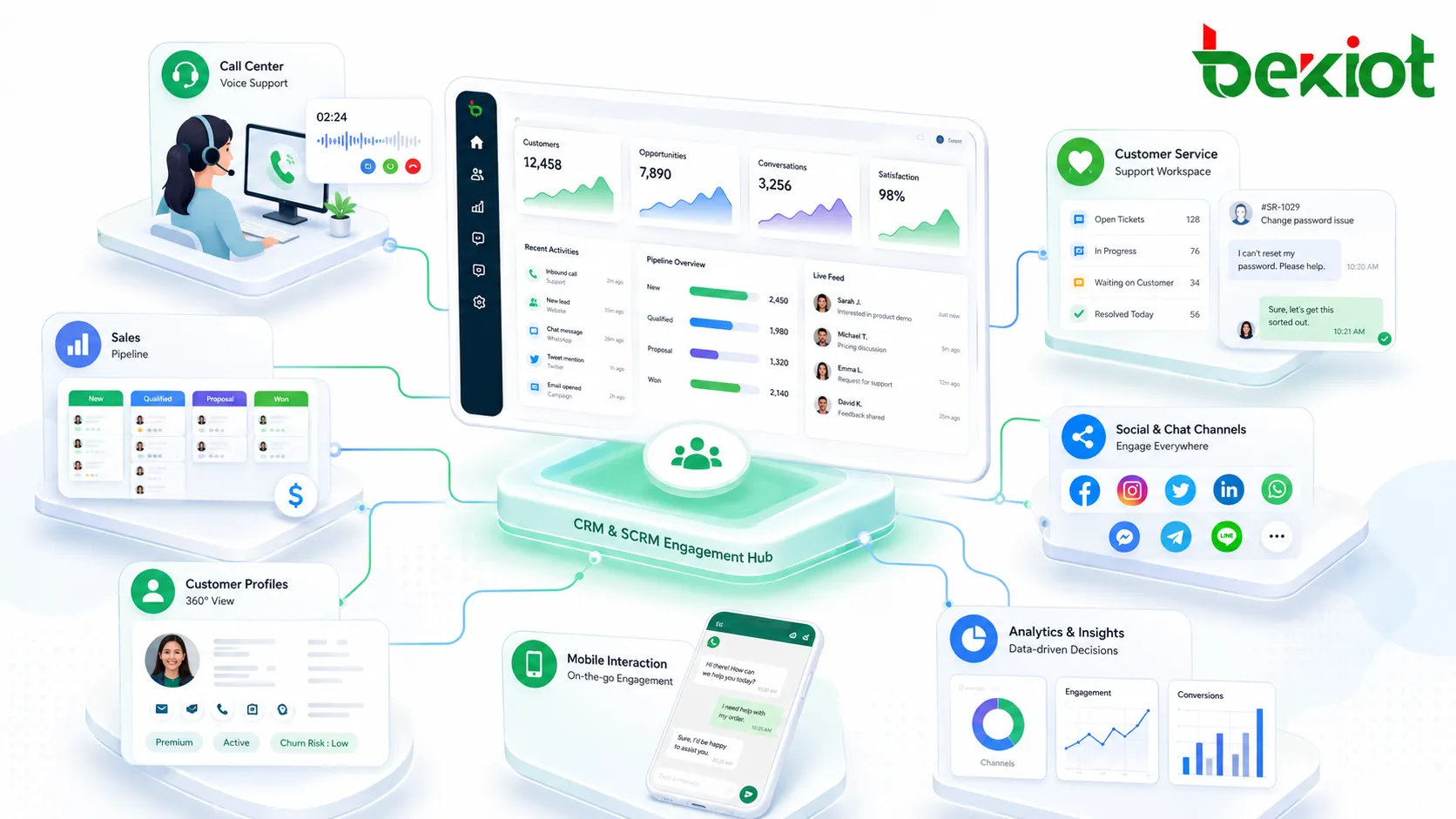
CRM stands for Customer Relationship Management. In a practical business environment, it can be understood as a system used by enterprises to manage customers as valuable business assets. It records customer information, tracks sales opportunities, manages follow-up tasks, supports service history, and helps teams improve repeat purchases while reducing customer loss.
A traditional CRM system is usually centered on internal management. It standardizes customer data, sales stages, contact records, transaction status, after-sales feedback, and employee follow-up behavior. For managers, this makes the sales process more visible. For frontline staff, it provides a clear history of who the customer is, what they need, what has been promised, and what should happen next.
In call center scenarios, CRM is especially important because every call may contain valuable customer context. A caller may ask about a product, complain about a previous service, request a quotation, or express purchase intent. Without CRM, this information may stay only in the memory of an agent. With CRM, it becomes a reusable data asset that supports future follow-up, service improvement, and sales conversion.
What Social Engagement Adds to the System
In this article, SCRM means Social Customer Relationship Management. It adds supported social interactions to customer relationship workflows; it is not automatically a replacement or upgrade for every CRM. Private-domain operations describe one business approach, not the full definition of social CRM.
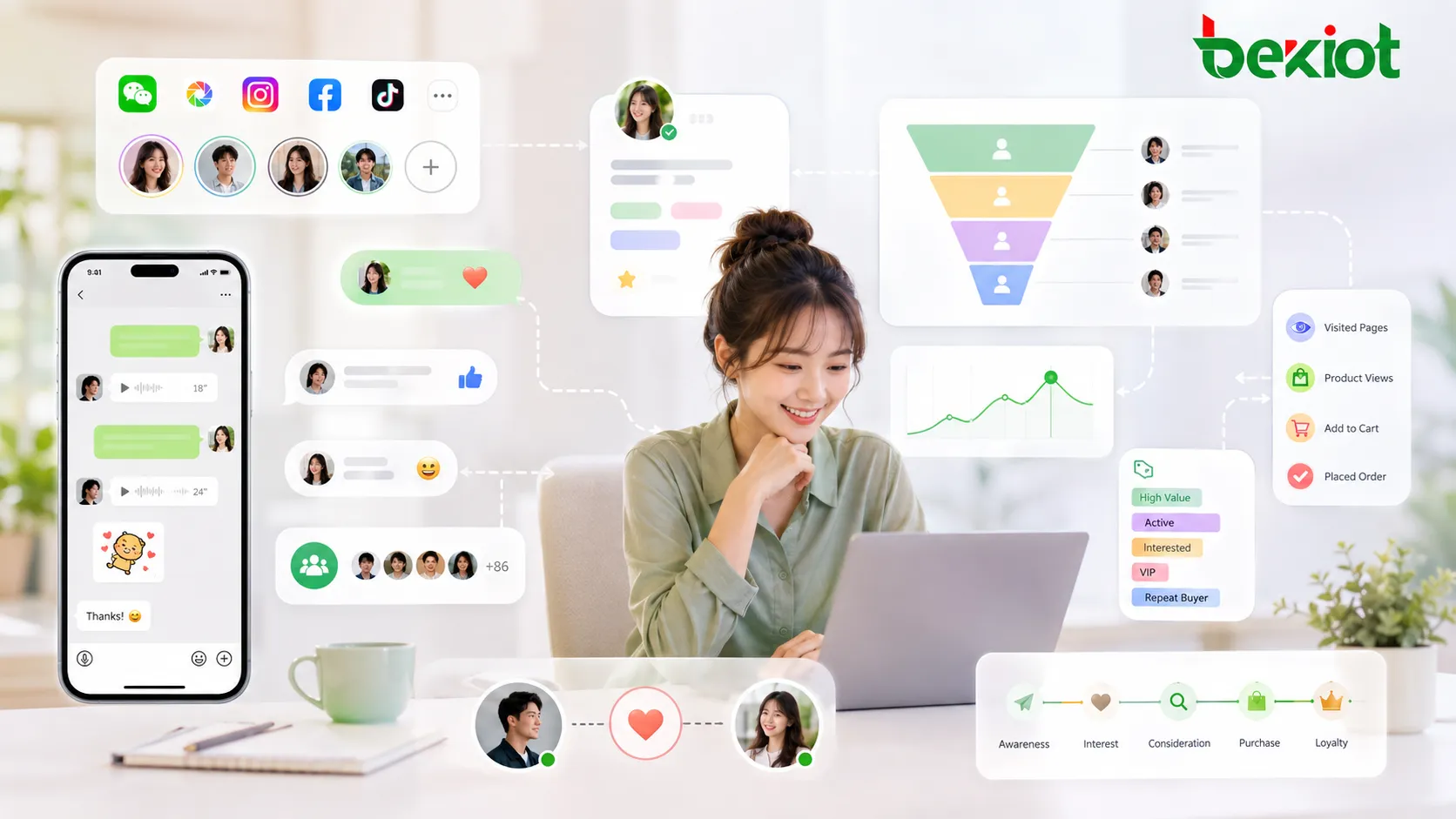
Social channels may include WeChat, communities, short-video platforms, private messages, mini programs, public accounts, online groups, and other interactive platforms. In these channels, customers do not only submit phone numbers or purchase records. They may like content, leave comments, join campaigns, forward posts, participate in group discussions, respond to private messages, or share brand information with others.
The value of SCRM is that it turns these social behaviors into useful business signals. When a customer frequently participates in campaigns, joins a community, responds to product content, or interacts with sales staff, the enterprise can better understand interest level, relationship strength, and engagement potential. This makes customer operation more active and more relationship-driven.
A Clear Difference in Business Focus
The easiest way to distinguish CRM and SCRM is to look at their business focus. CRM is mainly used to manage customer data and sales processes. It is more transaction-oriented. It helps enterprises know who the customer is, what stage the opportunity is in, whether the follow-up is completed, and how service records should be managed.
Social CRM emphasizes engagement through social channels and communities. Customers remain people with preferences and privacy rights; engagement data should support relevant service rather than unrestricted tracking or repeated unwanted contact.
| Item | CRM | SCRM |
|---|---|---|
| Main Focus | Customer data, sales process, service records, conversion | Social interaction, private-domain operation, relationship building |
| Management Style | Internal management, standardized records, process control | Two-way communication, community operation, personalized engagement |
| Customer view | Customer records, needs and relationship history | Additional context from supported social interactions |
| Typical Channels | Phone calls, email, sales visits, service tickets, order records | Social media, groups, private messages, short videos, mini programs |
How the Solution Supports Call Center Workflows
In a call center, CRM and SCRM should not be isolated tools. They should work together with inbound calls, outbound calls, customer service tickets, sales follow-up, marketing campaigns, and social engagement. When a customer calls, the agent should be able to see basic profile information, previous communication records, purchase history, service status, and recent social interactions if available.
Linked social interactions can help an agent understand context when the data is available, relevant and permitted for that use. Channel APIs, account permissions and reliable identity matching determine which interactions can be shown; a complete customer journey is not automatic.
For outbound sales teams, this combined approach is also valuable. CRM helps define who should be followed up, what stage the opportunity is in, and what task should be completed. SCRM helps identify which customers are more active, which communities are generating interest, and which social touchpoints may improve response rates. Together, they create a more complete customer operation model.
Building a Practical Deployment Model
Start with a documented customer data model and permitted integrations. Match identities carefully, retain source information and handle shared or recycled phone numbers. Do not merge people solely because one identifier matches, or assume that every channel allows data export.
The second step is process design. Sales teams need rules for lead assignment, follow-up frequency, opportunity stages, quotation management, and transaction tracking. Service teams need rules for ticket creation, problem classification, response time, escalation, and closure. Social operation teams need rules for group management, content distribution, customer tagging, activity tracking, and one-to-one reach.
The third step is data feedback. A good system should not only store information; it should help managers understand what is working. Useful indicators may include follow-up completion rate, conversion rate, repeat purchase behavior, churn risk, customer activity level, campaign participation, community response, and service satisfaction. These indicators help the enterprise adjust both sales strategy and customer relationship operations.
Key Functional Modules for Enterprise Use
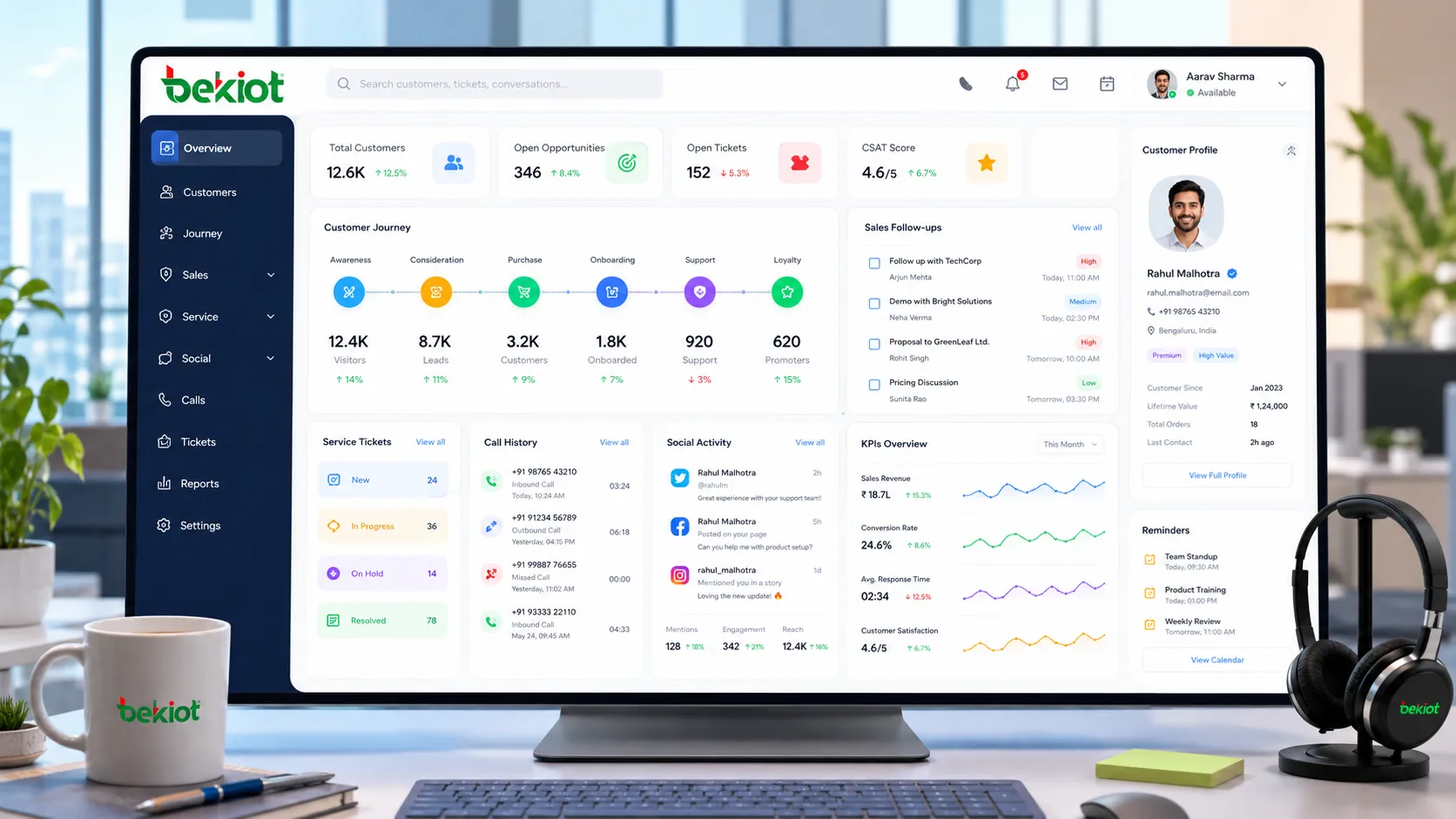
Unified customer profile
Collect only the customer fields needed for defined sales or service purposes. Record sources, access rights, retention and correction procedures. Social identities and behavior tags require the same care as telephone and transaction records.
Sales and follow-up management
CRM functions should support lead distribution, opportunity stages, follow-up reminders, quotation records, communication notes, contract status, and after-sales tracking. This keeps the sales process organized and prevents valuable customers from being forgotten.
Private-domain and community operation
SCRM functions should support social tagging, group operation, campaign participation, private message interaction, content response tracking, and customer activation. This helps enterprises operate customers continuously instead of only contacting them during sales moments.
Call center integration
When integrated with call center systems, CRM and SCRM can display customer information during inbound calls, create records after conversations, trigger follow-up tasks, and connect service tickets with previous communication history. This improves agent efficiency and service consistency.
For deployment details, see Converged communication platform overview.
Value for Sales, Service, and Management Teams
For sales teams, the solution improves customer follow-up quality. Sales staff can see the customer’s history, needs, interest level, and interaction behavior before communication. This makes each conversation more targeted and reduces repeated questioning.
For customer service teams, the solution improves service continuity. Agents can quickly understand what happened before, what the customer complained about, which products they used, and whether there are unresolved issues. This helps reduce repeated explanations and improves customer satisfaction.
For management teams, the solution improves visibility. Managers can review customer assets, sales progress, service performance, social activity, and customer operation results from a more complete perspective. Instead of relying only on individual reports, they can use structured data to guide business decisions.
Implementation Considerations
Before deployment, enterprises should define which customer data must be collected, which channels need to be connected, who can access sensitive information, and how customer privacy should be protected. Customer data may include phone numbers, social account information, purchase records, service details, and behavioral tags, so permission control and data governance are important.
It is also important to avoid over-complicated workflows at the beginning. A practical approach is to start with core customer profiles, sales follow-up, service records, and major social channels. After the team becomes familiar with the system, more advanced functions such as customer scoring, automated campaigns, community segmentation, and lifecycle operation can be added gradually.
Related technical reading
FAQs
Can SCRM replace a call center system?
No. SCRM manages social interaction and customer relationships, while a call center system handles voice communication, queues, recordings, agent status, and call routing. They should be integrated rather than used as replacements for each other.
For equipment options, see Dispatch console range.
What data should be cleaned before implementation?
Duplicate phone numbers, incomplete customer names, invalid contact records, outdated tags, and unclear ownership should be cleaned first. Better data quality makes the system easier to use after launch.
Is social interaction data always reliable for sales judgment?
Not always. Likes, comments, and group activity can show interest, but they should be combined with purchase intent, inquiry content, call records, and follow-up results before making sales decisions.